Accounts and Logging In
Creating a CEDAR Account
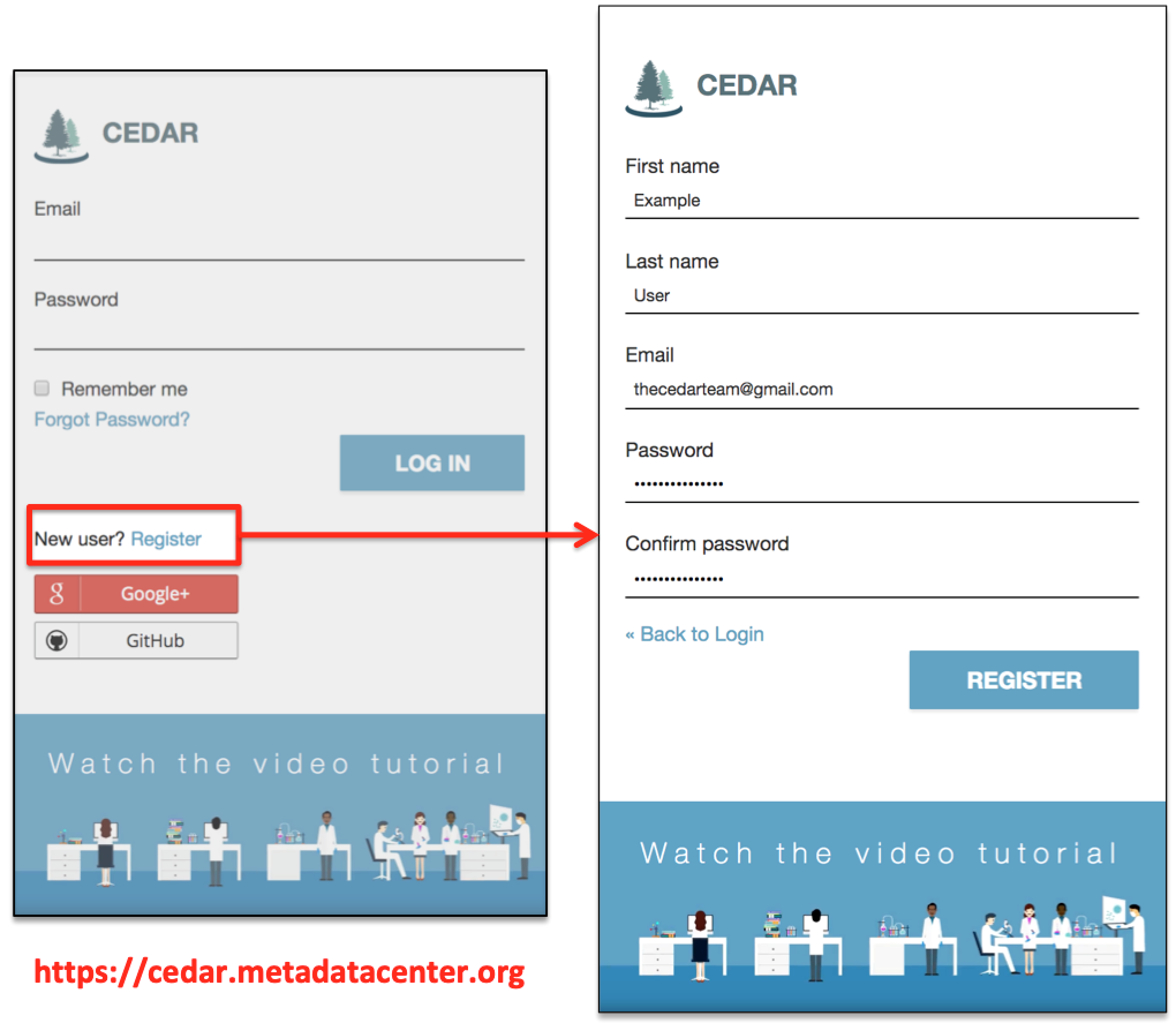
The first step to create metadata templates and metadata with the CEDAR workbench is to create a CEDAR workbench user account. To do this, visit https://cedar.metadatacenter.org and click on the "Register" link below the Password line.
In the next window, enter your first name, last name, a functional email address, and a password as shown in the screenshot below. You should make the first name and last name what you want to appear on your user folder. (If you are creating a second account, be sure to make the first name/last name combination for that account different than it was for your first account, so you can tell them apart in CEDAR.)
After clicking on the REGISTER button, check your email (at the address you provided)
for a link to validate your user account.
(This should not take very long, a few minutes at most.
Check your spam/junk folder if you do not see the mail.
You can go back and resend the email from the registration screen,
and if that doesn't work after a few minutes, and you're sure your email is working,
send us an email to get help.)
Click on the link in your email to complete the account creation process.
Logging in to CEDAR
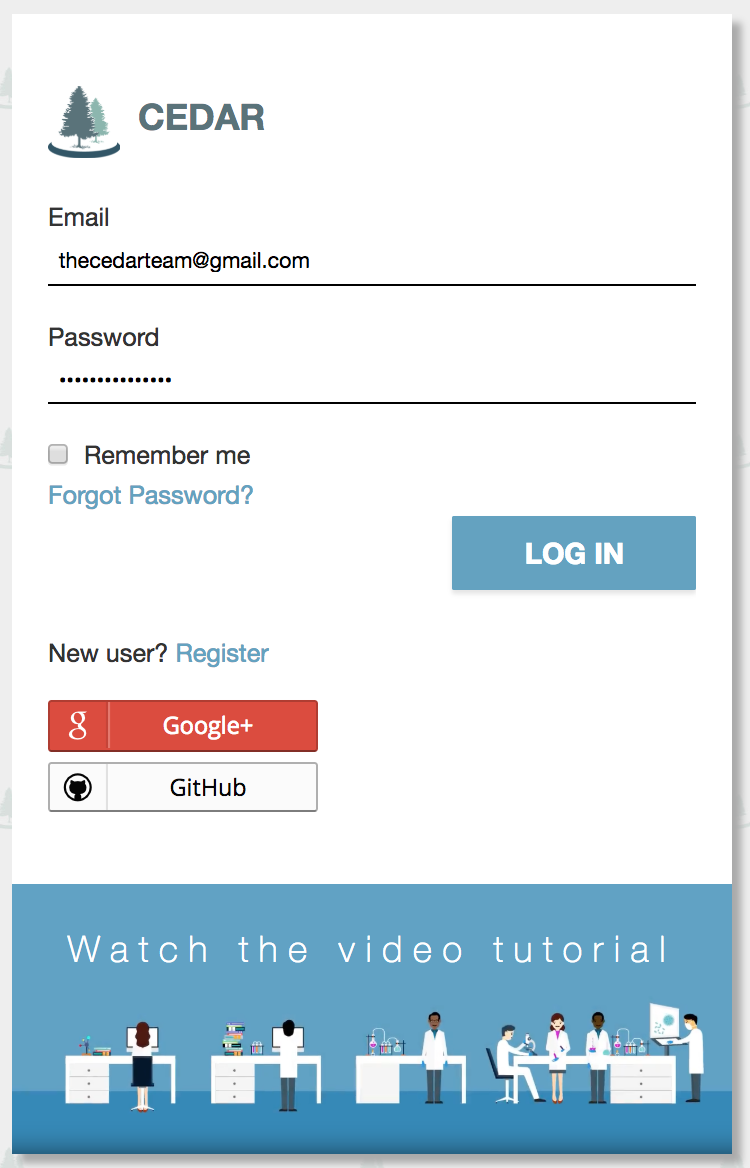
To log in, go to https://cedar.metadatacenter.org, and enter the account name and your password as shown in the screenshot below. If you have forgotten your password, you can use the "Forgot Password?" link just below the Password line. Once you have logged in, you will see the CEDAR Workspace.